.svg)

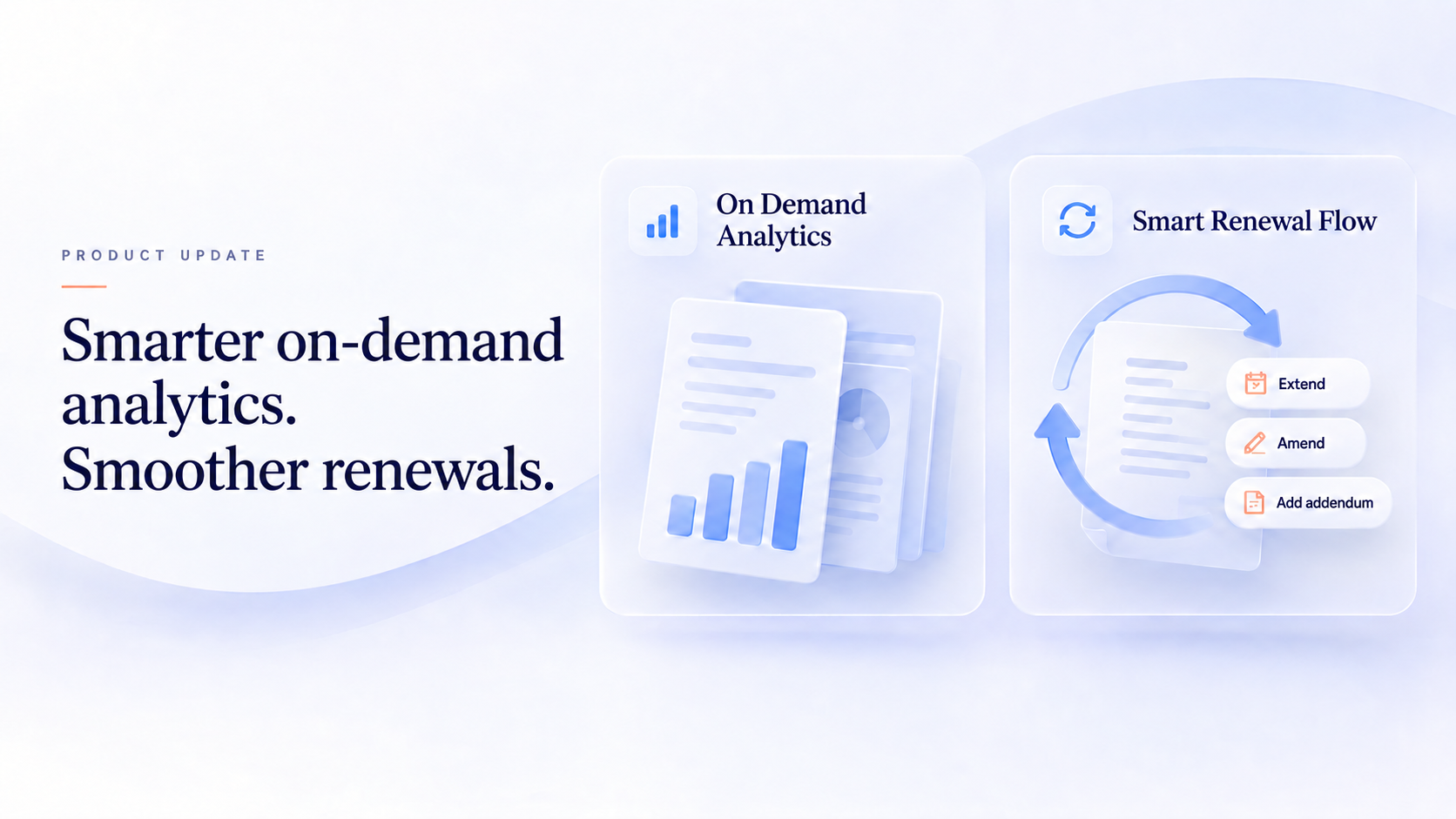
A contract report often leads to another question. A renewal decision can lead to an extension, an amendment, or an addendum.
SimpliContract's upcoming release makes it easier to take those next steps. Dynamic Reports with memory and context enhances On-Demand Analytics with saved conversations, follow-up questions, and clarification when a request needs more detail. Smart Renewal Flow brings additional contract actions into the existing renewal pop-up and automatically links the resulting contract to its parent.
Rollout is planned to begin during the week of September 27, 2026.
Dynamic Reports: keep the conversation going
Getting a table of results is often the beginning of an analysis. You may want to narrow the list, focus on a particular contract type, or ask another question about what you have found.
On-Demand Analytics already returns contract information in tabular form. This release adds memory and context to that experience, helping users build on their questions instead of treating each request as a separate task.
Return to previous reporting conversations
Your On-Demand Analytics conversations will be saved in your chat history, giving you a way to revisit earlier questions and responses.
History will begin accumulating from the production rollout onward. This makes previous reporting conversations available for reference when you return to the platform.
.png)
Refine results with follow-up questions
You can continue asking questions about the results within the same conversation.
For example, after receiving a list of contracts, you could ask:
"Show only the MSAs from the above list."
On-Demand Analytics uses the conversation's context to refine the results. You can then continue with further questions as your analysis develops.
Previously, the Analyze option supported a single follow-up question and returned a text response. The updated experience supports a continuing conversation, including refined tabular results.
.png)
Get clarification when a question needs more detail
Some requests need a little more context before they can produce useful results.
For example, "Show me contracts expiring soon" does not specify what "soon" means. The updated experience can ask you to clarify the time period before proceeding.
This helps you make the request more precise without having to guess why it did not return the expected response.
How to use the updated reporting experience
- Open On-Demand Analytics within mNemoAI.
- Ask a question about your contracts and review the response.
- Ask a follow-up question to narrow or further explore the results.
- Provide clarification when prompted, such as the time period you want to examine.
- Revisit the conversation through your chat history when you need to refer back to it.
Smart Renewal Flow: more ways to take the next step
Not every decision about an existing agreement requires a new renewal contract. Your team may need to extend the agreement, amend its terms, or add supplementary information.
Smart Renewal Flow adds those actions to the existing renewal pop-up. From a completed contract, users can select the relevant action and begin the associated contract creation workflow.
Start an extension, amendment, or addendum
The enhanced pop-up adds three actions alongside the existing renewal and termination options:
- Extend the current contract: Start an extension contract linked to the existing agreement.
- Create an amendment: Start an amendment linked to the parent contract.
- Create an addendum: Start an addendum linked to the parent contract.
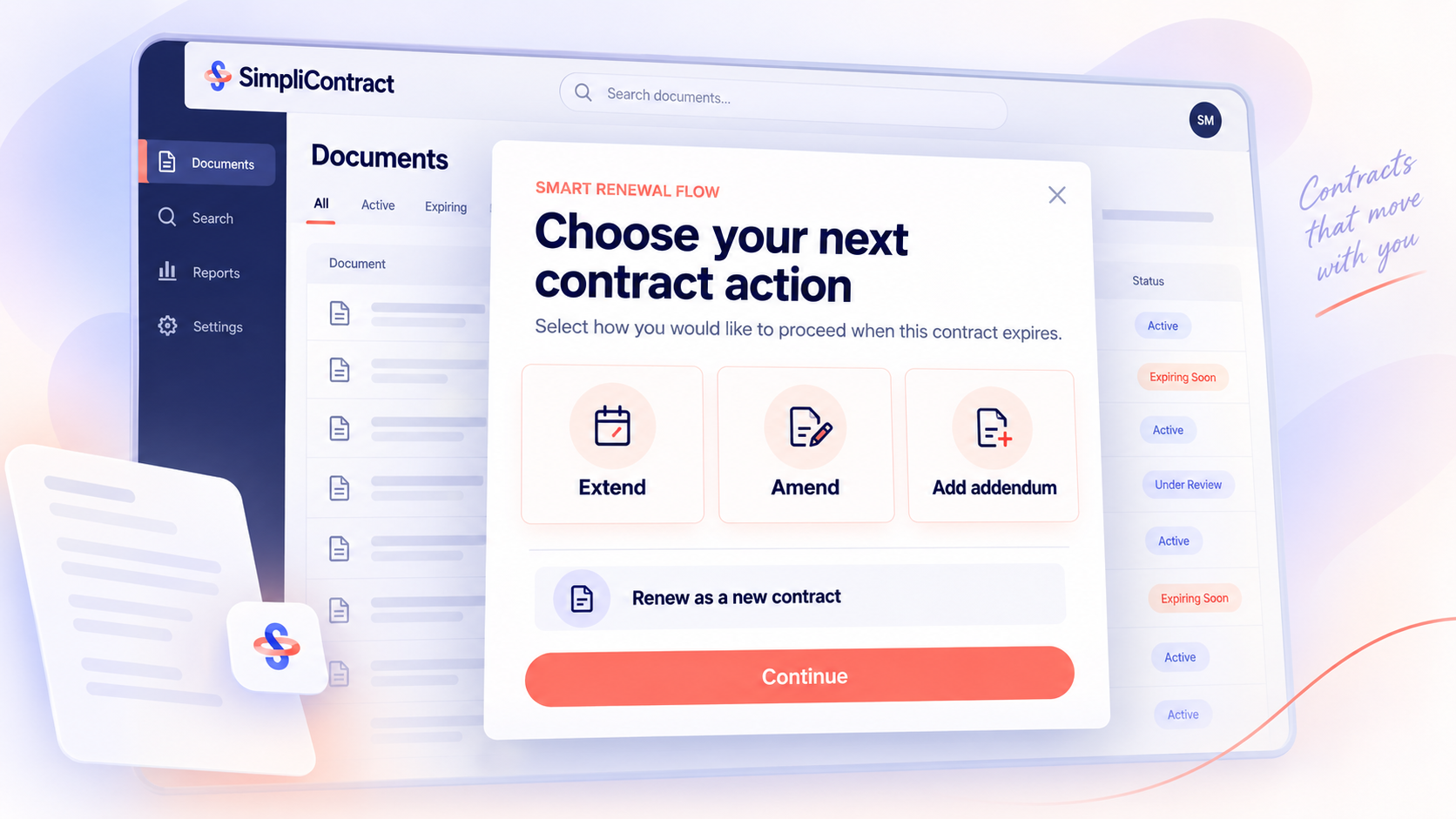
Selecting an action launches the creation flow with the corresponding relationship automatically selected. For example, choosing an extension preselects the extension relationship to the original agreement.
The result is a clearer starting point for post-signature work, with the connection between the original agreement and its related contract carried into the flow.
See extension progress on the parent contract
For an extension, the parent contract's status reflects the process: Extension in progress while the extension is underway, followed by Extended once it is completed.
Amendments and addenda do not change the parent contract's status through this flow.
When will these updates roll out?
Rollout is planned to begin with the US SaaS environment on September 27, 2026, followed by the India SaaS environment the following weekend.
Availability and access may vary by plan, enabled modules, and account configuration. Contact your SimpliContract account team to confirm the timing for your environment.
Want to know what these updates mean for your team? Contact your SimpliContract account team.
Frequently asked questions
What is changing in Dynamic Reports?
On-Demand Analytics is gaining saved chat history, continuing follow-up questions, and clarification of ambiguous requests. These updates help users revisit reporting conversations and explore results in more detail.
Where do I access Dynamic Reports?
Use the On-Demand Analytics tab within mNemoAI.
Will my previous reporting conversations appear in the history?
Chat history will begin saving conversations from the production rollout onward. Conversations from before that rollout are not included in the newly captured history.
Can I ask more than one follow-up question?
Yes. The updated experience supports continuing follow-up questions within the same conversation, replacing the earlier Analyze option's single-follow-up limit.
What happens if my question is unclear?
mNemoAI can ask for clarification. For example, if you ask for contracts "expiring soon," it can ask you to specify the time period.
What is new in Smart Renewal Flow?
The existing renewal pop-up adds options to initiate an extension, amendment, or addendum. Each action starts the associated creation workflow with the relevant parent-contract relationship automatically selected.
Does an amendment or addendum change the parent contract's status?
No. Amendments and addenda do not change the parent contract's status through this flow. Extensions have their own progress and completion status updates.
TL;DR
- Revisit previous reporting conversations: On-Demand Analytics will save each user's chat history from rollout onward.
- Keep asking follow-up questions: Refine your results within the same conversation.
- Clarify your request: When a question is ambiguous, mNemoAI can ask for more detail.
- Start the next contract action: Initiate an extension, amendment, or addendum from the renewal pop-up, with the relevant parent-contract relationship automatically selected.